
Step 01
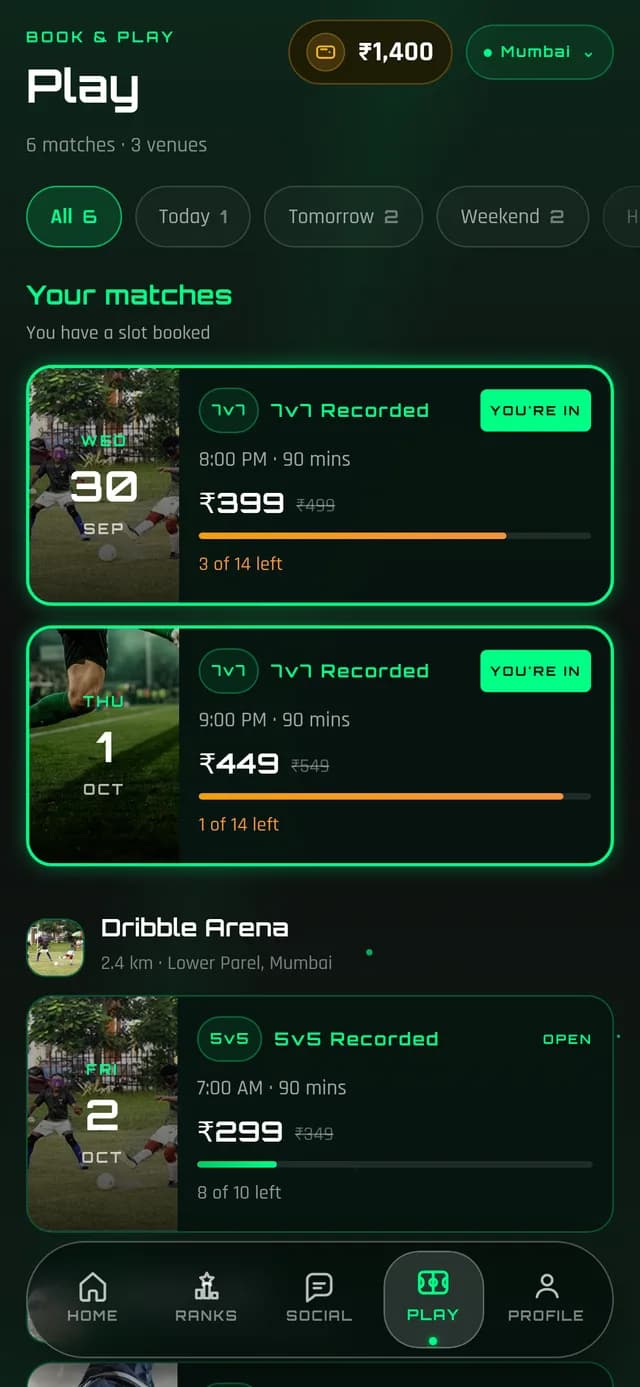
Find a game in your city
Games are listed by city and day, with the turf, kick-off time, format, price and how many slots are left, updated live as players book.
- 5v5, 7v7, 9v9 and three-team formats
- Today, tomorrow and weekend filters
- Distance from you on every card
- Recorded games marked clearly
Step 02
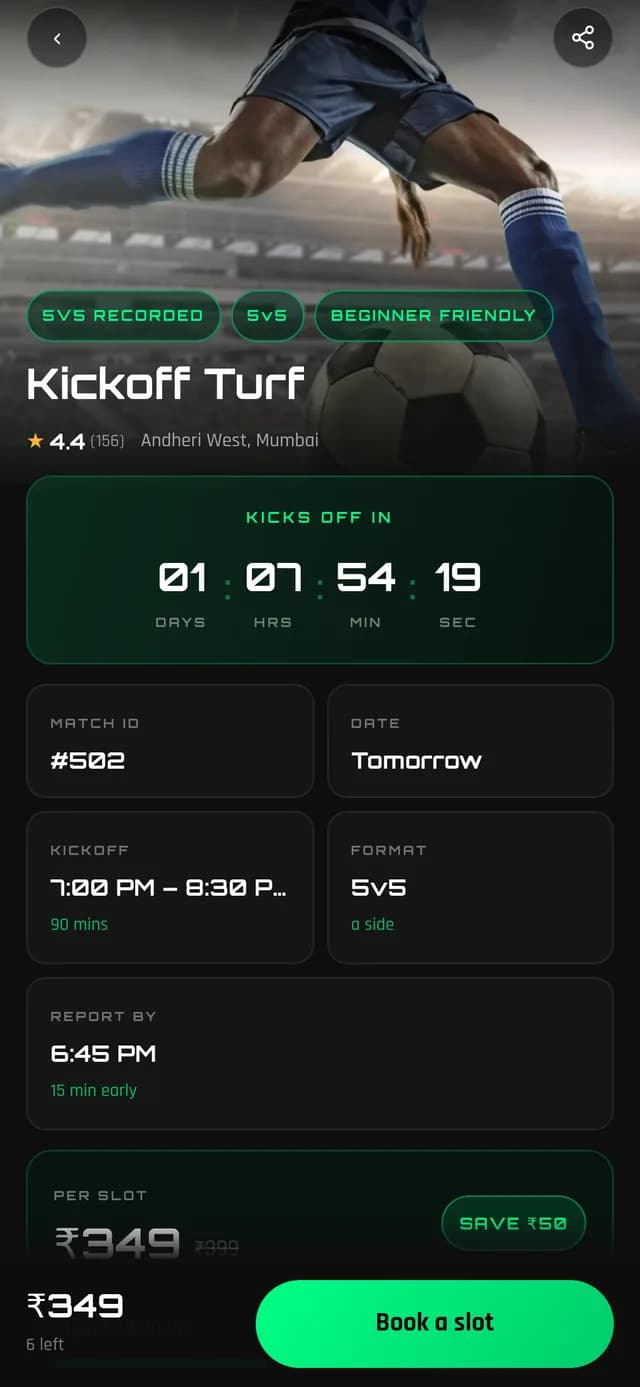
Book for yourself and your mates
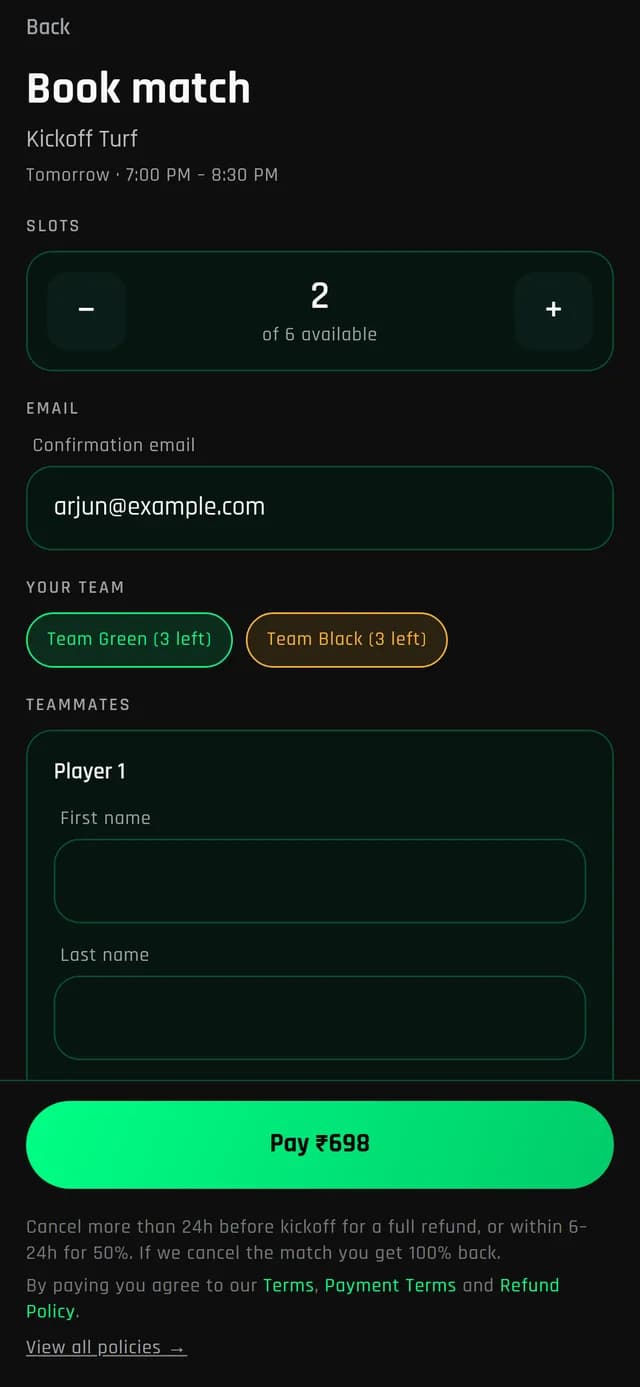
Book one slot or several. Add teammates by name and number, or pick friends who already play on HOF, and choose who goes on which team.
- Pick Team Green or Team Black
- Promo codes at checkout
- UPI, cards, netbanking or HOF Money
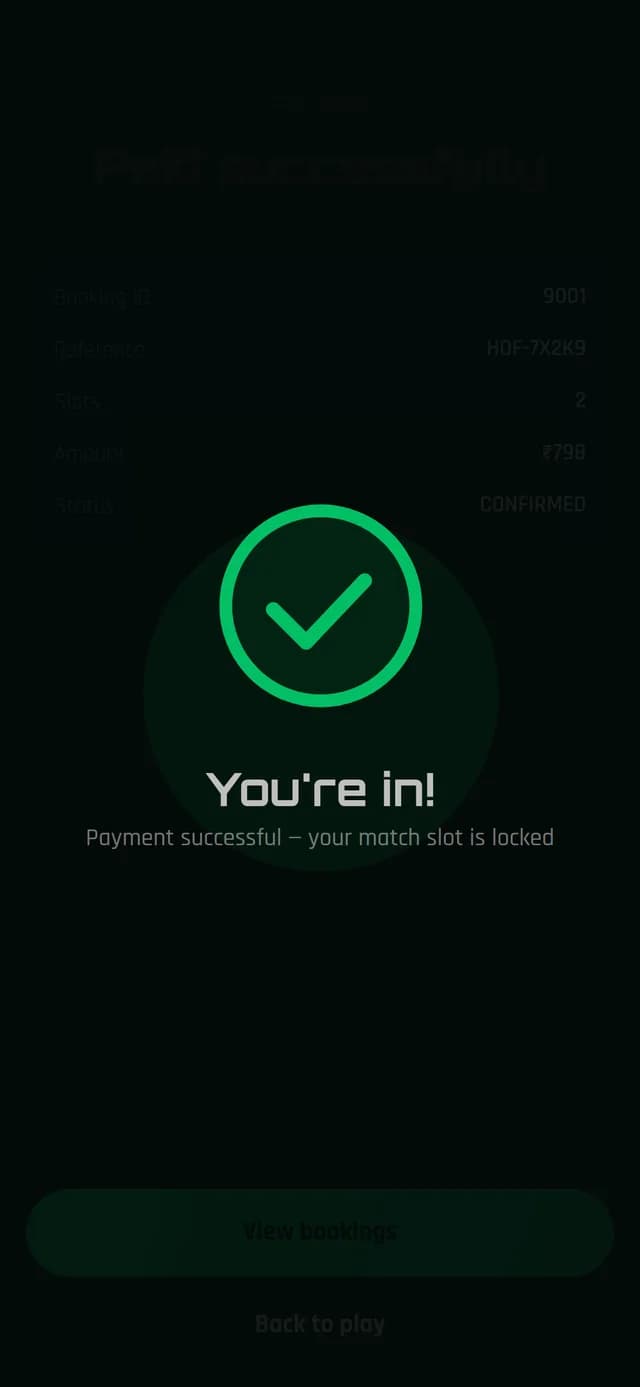
- Slot locked while you pay
Step 03
Full? Join the waitlist
When a game is full you can still join the waitlist. If a slot frees up you get a message and a short window to pay and take it.
Step 04
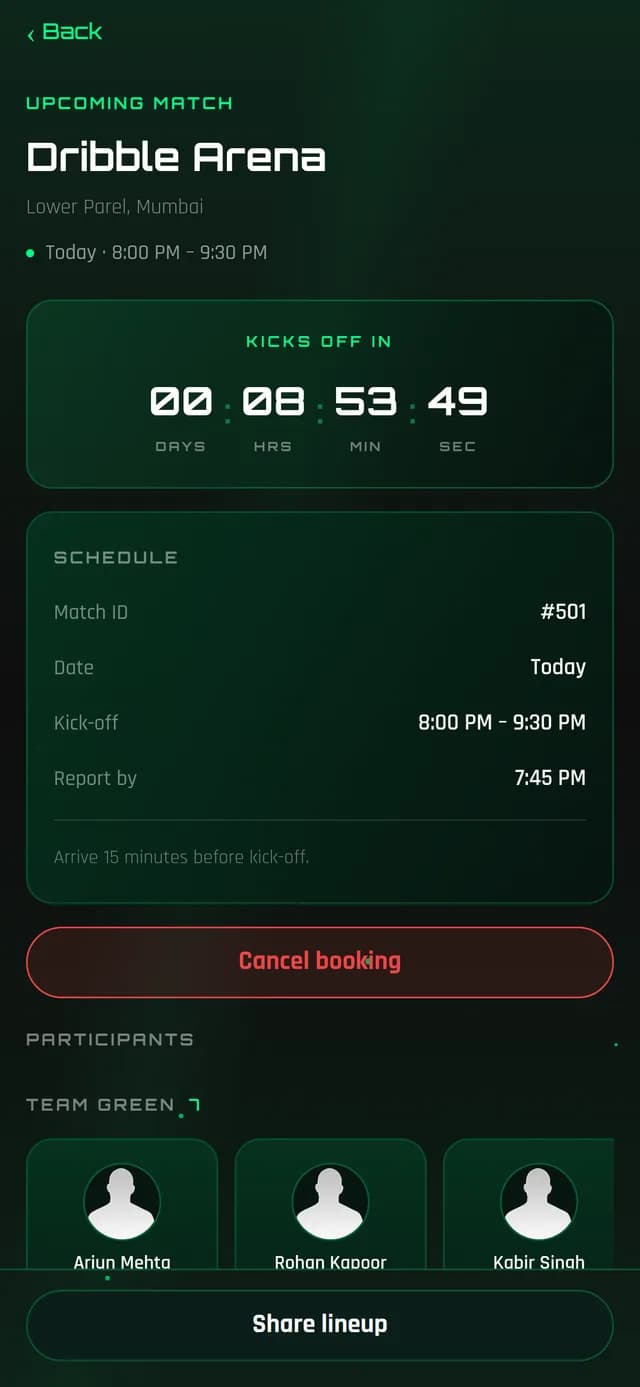
Know your squad before kick-off
See the line-up for your game, both teams and who is playing where. Share it with your group in one tap.
Step 05
Fair cancellations
Plans change. Cancel well ahead of kick-off and get your money back to your original payment method or HOF Money. If HOF cancels a game, you always get a full refund.
- Refund windows shown before you pay
- Partial cancellations for multi-slot bookings
- Refund breakdown before you confirm